The right quantities.
Without the clutter.
Save product coverage, choose packs or bags, and use exact quantities or round up. A cleaner summary brings the job totals together.
Underlay & gripperPacks & bagsYour saved products
BUILT AROUND THE FITTER
The details make the difference. Bring your flooring jobs, measurements and cutting plans together in one iPhone app.

From the first size to the final sheet.
THE JOB IS BIG ENOUGH ALREADY
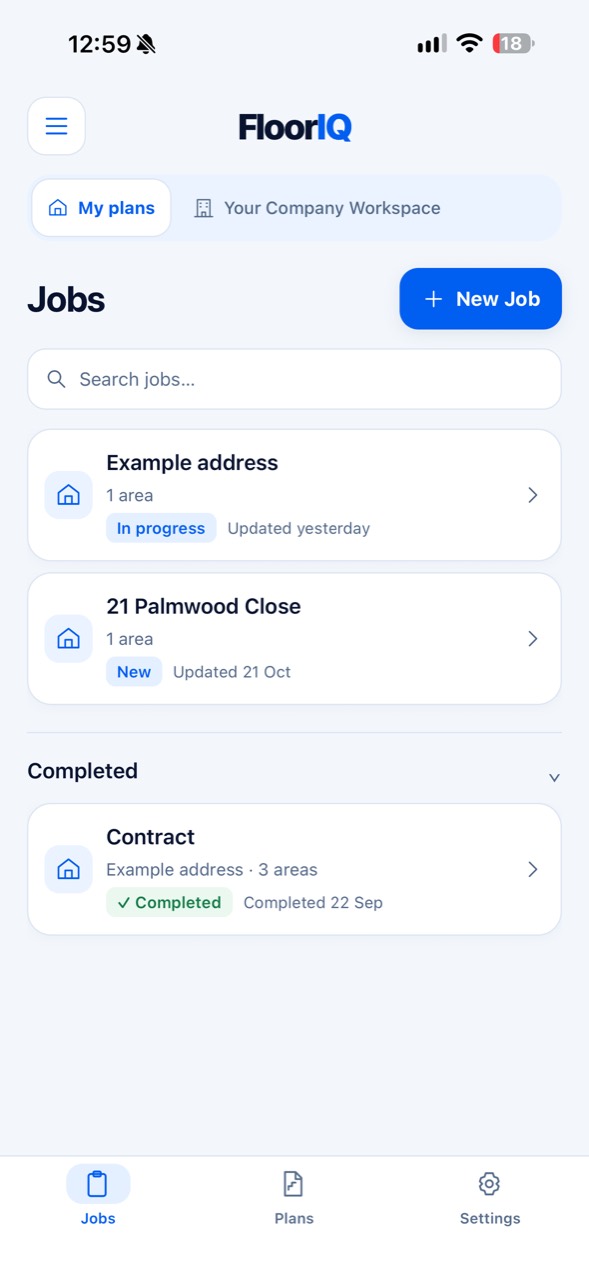
Customer details in one place. Room sizes with the job. A cutting plan you can check before you cut. FloorIQ brings the practical parts of flooring work together.
A CLOSER LOOK
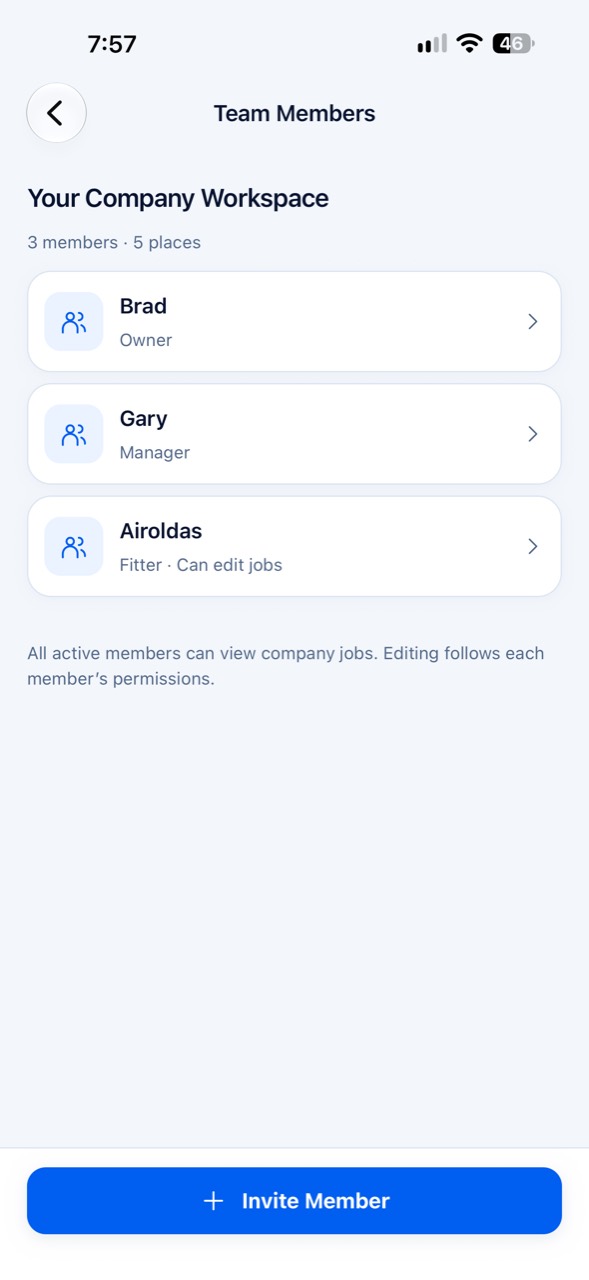
Explore real screens from FloorIQ.
THE PLAN MAKES IT CLICK
Enter the final cut sizes. Compare roll widths. See how steps, winders and landings sit together, with pile direction kept consistent.
An illustrative job generated by the FloorIQ planning engine. Sizes and layouts vary by job. Always check your measurements, pile direction and fitting requirements.
THE NEXT CHAPTER
Next update previewDeveloped for the next release. Availability depends on the app version you install.
Save product coverage, choose packs or bags, and use exact quantities or round up. A cleaner summary brings the job totals together.
Grouped room sizes, per-area materials, job totals and stair cutting plans. Clear sheets that continue across pages when needed.
Open the full example PDF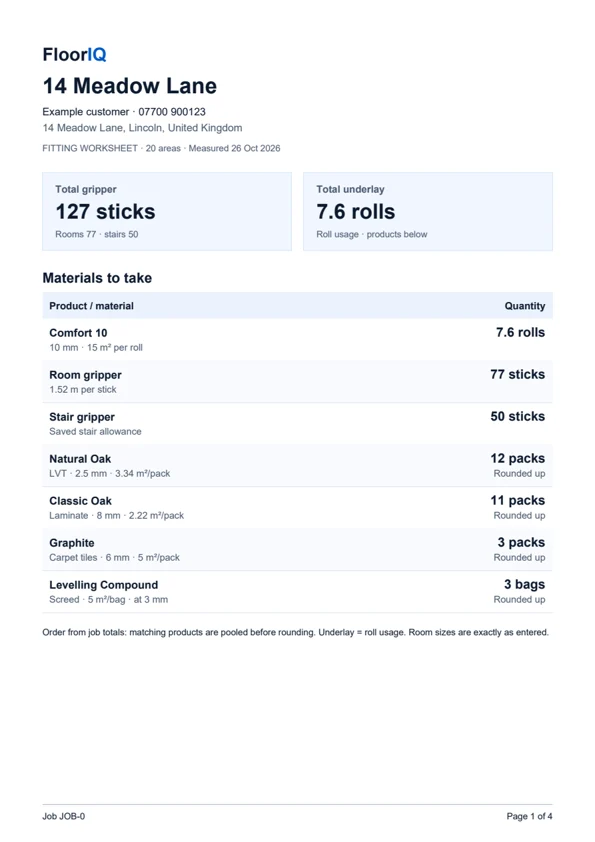
FROM THE SHOP TO THE JOB
Business plans give your company a shared place for jobs and plans. Invite fitters, set their permissions and keep personal work separate.
YOUR WORK. YOUR SETUP.
For independent fitters and flooring teams.
Choose your plan in the iPhone app.
£6.99 / month
or £69.99 per year
£24.99 / month
Including the company owner
£39.99 / month
Including the company owner
UK pricing. Subscriptions renew automatically unless cancelled. Prices, availability and terms shown in the app at purchase apply. Invited members need no separate subscription for access to their company workspace. Subscription terms.
FROM THE APP STORE
You take the measurements and enter them. FloorIQ helps organise sizes and plan cuts; it is not a camera or laser measuring tool. Check the sizes, allowances and layout before ordering or cutting.
Previously verified access lets you use work already saved on your device until the known access expiry or up to 72 hours after verification, whichever comes first. Company edits queue until you reconnect. Signing in, accepting invitations and purchases need a connection. Read about offline access.
Personal jobs are saved on your device. Signing in or restoring a subscription does not back them up. Confirmed company jobs are shared through the company workspace; unsent edits stay on the device until synced. Keep PDF copies of important worksheets, and avoid deleting the app to troubleshoot. PDFs cannot restore editable plans.
Invited members do not need their own subscription to access a company workspace covered by an active Business or Business Plus plan. The allowance includes the owner: 5 people on Business or 10 on Business Plus.
FloorIQ is being released for iPhone. There is no Android release available through this website.
On iPhone, open Settings → your name → Subscriptions → FloorIQ. Deleting the app does not cancel your subscription. Get subscription help.

MEASURE. PLAN. FIT.
Built around the work. Designed for iPhone.